Let's Build a Translation App with Windsurf!

Let’s Go Surfing!
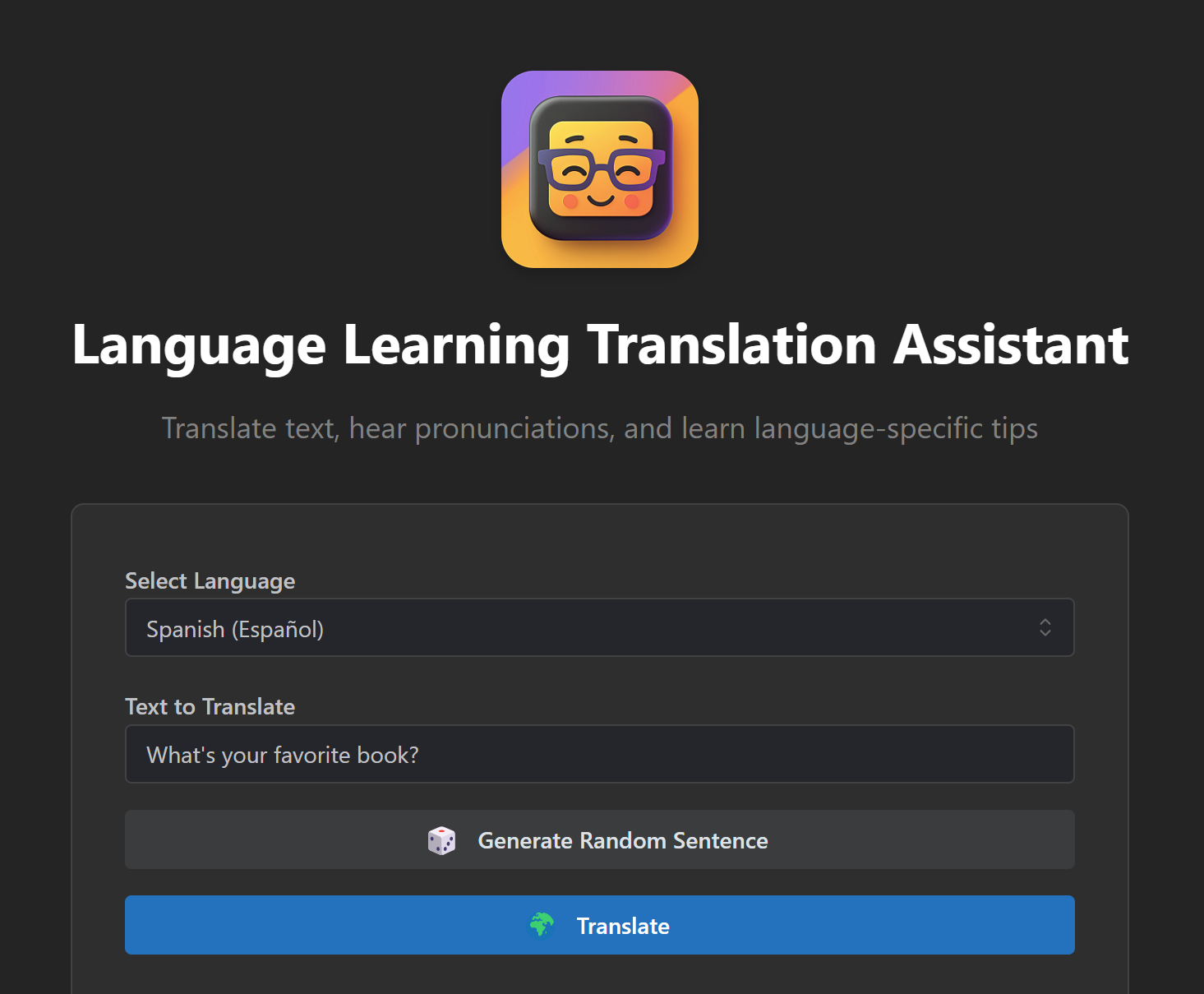
As a developer who thrives on exploring state-of-the-art tools, I embarked on a project to test how AI can make us more productive while freeing up time for creative pursuits. My design goal was a translation and language learning app aimed to explore the potential of AI for improving productivity and fostering creativity. The game-changer? Windsurf, an AI-powered development environment that transformed the way I work.
The Vision
This wasn’t just about building a translation app. I wanted to explore how AI could make the development process smarter, faster, and more efficient, enabling me to focus on creative problem-solving and innovation. I had experience with several other popular AI code assistants before trying Windsurf, and was eager to try out this new(ish) kid on the block.
Why Windsurf Was a Game-Changer
Windsurf isn’t your average Integrated Development Environment (IDE). An IDE is a software application that combines tools developers need, like a code editor, debugger, and version control, into one unified workspace. What made Windsurf unique was its AI assistant, Cascade, which felt like an indispensable collaborator. Whether it was debugging, making smart coding suggestions, or streamlining tedious tasks, Cascade amplified my productivity.
Features That Stood Out
- Smarter Code Completion: Cascade wasn’t just filling in blanks—it understood the bigger picture.
- Git Made Effortless: From initialization to conflict resolution, Windsurf’s Git integration handled it all.
- Seamless Collaboration: It felt like pair programming with an expert at my side.
- Multilingual Brilliance: Cascade helped me craft nuanced language tips across 18 languages.
Git Integration That Made Life Easy
Windsurf’s Git handling eliminated a lot of the usual headaches:
- Automatic Setup: It initialized the repository, created a
.gitignorefile based on the tech stack, and set everything up seamlessly. - Commit Suggestions: Cascade analyzed changes and recommended clean, clear commit messages.
- Conflict Resolution: It flagged potential merge conflicts and guided me through resolving them.
- Branching Simplified: Switching between branches or merging was intuitive and quick.
Technical Architecture
I built the app using a modern tech stack:
- Frontend: React 18 + Vite
- Backend: Express.js
- Translation Services: Google Cloud Translation API
- Text-to-Speech: gTTS
The Build Process
Expanding Language Support
With Windsurf’s AI, I efficiently added support for:
- 10 European languages
- 6 Asian languages
- 2 global majors
Pronunciation Tips
Cascade made it simple to design a robust pronunciation guide:
- 10 key sound tips per language
- 10 common mistake tips per language
- Randomized tips for dynamic learning
Code Highlight: Generating Pronunciation Tips
Here’s a look at how I implemented randomized tips:
const getRandomItems = (array, count) => {
  const shuffled = [...array].sort(() => 0.5 - Math.random());
  return shuffled.slice(0, count);
};

// Randomly select 3 tips when translating
const tips = LANGUAGE_TIPS[targetLang];
setCurrentTips({
  key_sounds: getRandomItems(tips.key_sounds, 3),
  common_mistakes: getRandomItems(tips.common_mistakes, 3),
});
Overcoming Challenges
API Integration
Connecting to Google Cloud’s Translation API was straightforward with Cascade’s guidance. It helped me with every step, from acquiring the API key to handling integration details.
Environment Configuration
Windsurf simplified setting up environment variables and deployment scripts, saving hours of manual work.
Prepping for Launch
When deployment time came, Windsurf had me covered:
- Configured Netlify for seamless hosting
- Optimized my GitHub repository for collaboration
- Automated environment variable setup
- Streamlined build scripts
Lessons Learned
This project was as much about (frankly, more about) learning as it was about building. Windsurf not only accelerated development but also encouraged me to think differently about workflow efficiency and creativity.
Final Thoughts
Windsurf turned what could have been a time-consuming project into a streamlined, enjoyable process. It’s more than an IDE—it’s a partner in innovation. For anyone looking to work smarter and focus more on creativity, give it a try.
Project Links
- GitHub: language-learning-app
- Live Demo: Netlify Deployment
Technologies Used
- Windsurf IDE
- React 18
- Vite
- Express.js
- Google Cloud Translation API
- Netlify
Here’s to working smarter and creating more! 🚀🌟